Better text editing & copy/paste ⌨️
Select text across multiple blocks
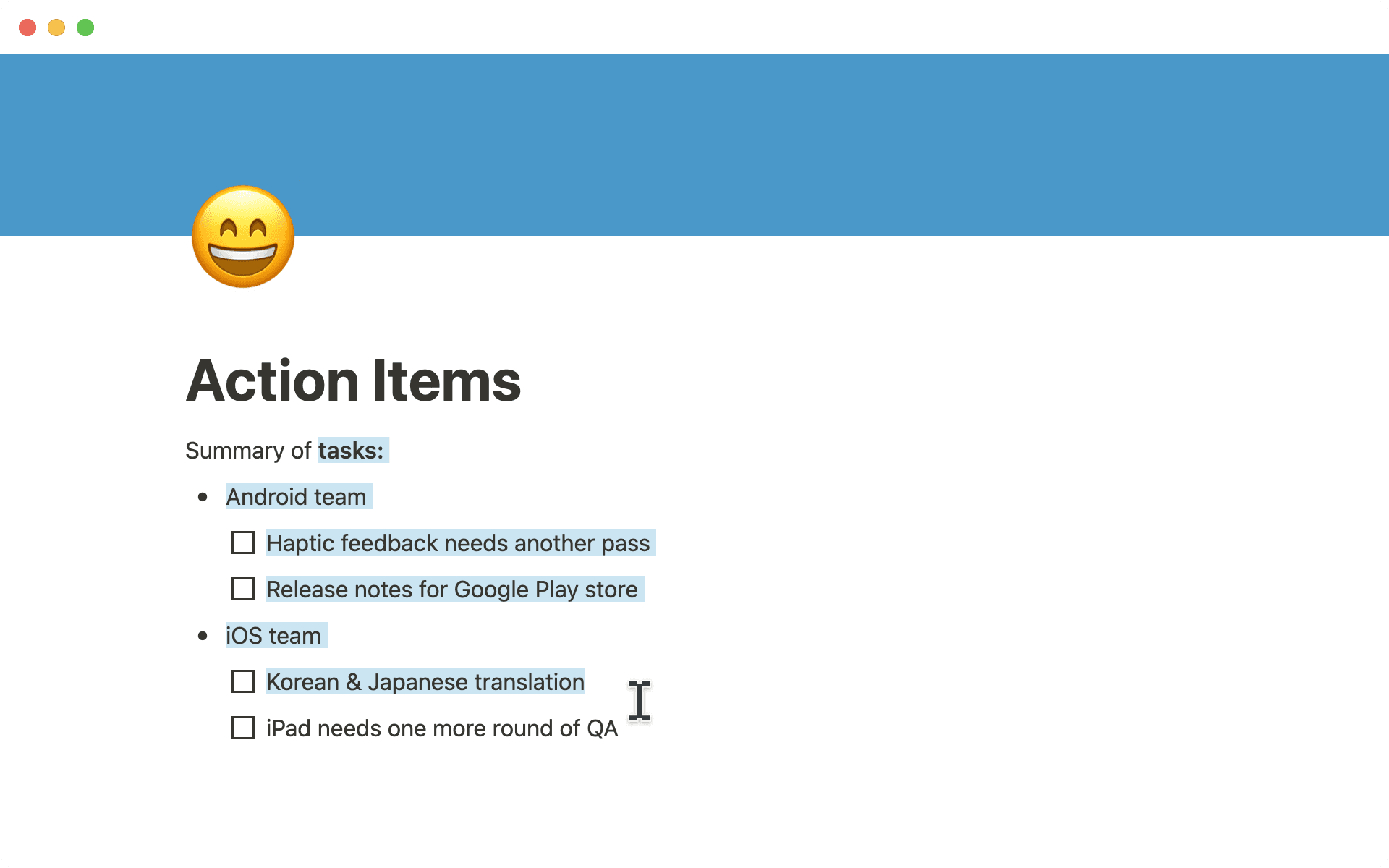
We finally did it. Notion’s text editor has been completely retooled to combine the flexibility of “blocks” with the familiar feeling of a traditional word processor. Here’s what that means for you:
On desktop: Click & drag to select, cut, copy & paste partial text across paragraphs, bullet lists, callouts & more — without having to select each block in its entirety.
On mobile: Now you can select or copy/paste multiple items at once! Double tap to select text, and drag your selection to include content across multiple blocks.

Việc chọn một phần văn bản trên các thành phần nội dung sẽ được hỗ trợ trên tất cả các nền tảng ngoại trừ Firefox. Chúng tôi đang tích cực làm việc với nhóm Mozilla để sớm bật tính năng này trên Firefox.
Navigate between database items in Peek View
Quickly jump to the next/previous item in your databases, using the new 🔼 and 🔽 buttons at the top left of the pop-up window. You no longer need to dismiss the pop-up and select another database item one at a time.
Customize which page opens first when you launch Notion
When you first launch your Notion app, do you prefer it always open to the page at the very top of your sidebar? Or would you rather see your most recently visited page? Now you can set your preference in Settings & members → My notifications & settings → Open on start.
Bug fixes & improvements
For new API features & improvements, go to developers.notion.com/changelog →
Duplicated items are now appended with automatically incrementing numbers instead of “Copy of” (e.g. when a page named “Meeting note” is duplicated, the duplicate will be named “Meeting note (1)” instead of “Copy of Meeting note”)
Blocks that point to a URL, such as web bookmark blocks & link previews, now include two distinct options in the block menu:
Copy link to blockandCopy link to originalSettings & members has a new section, My notifications & settings, making it easier to configure all your account preferences in one place
Deleting, restoring, and permanently deleting items now creates an event in “All updates”


